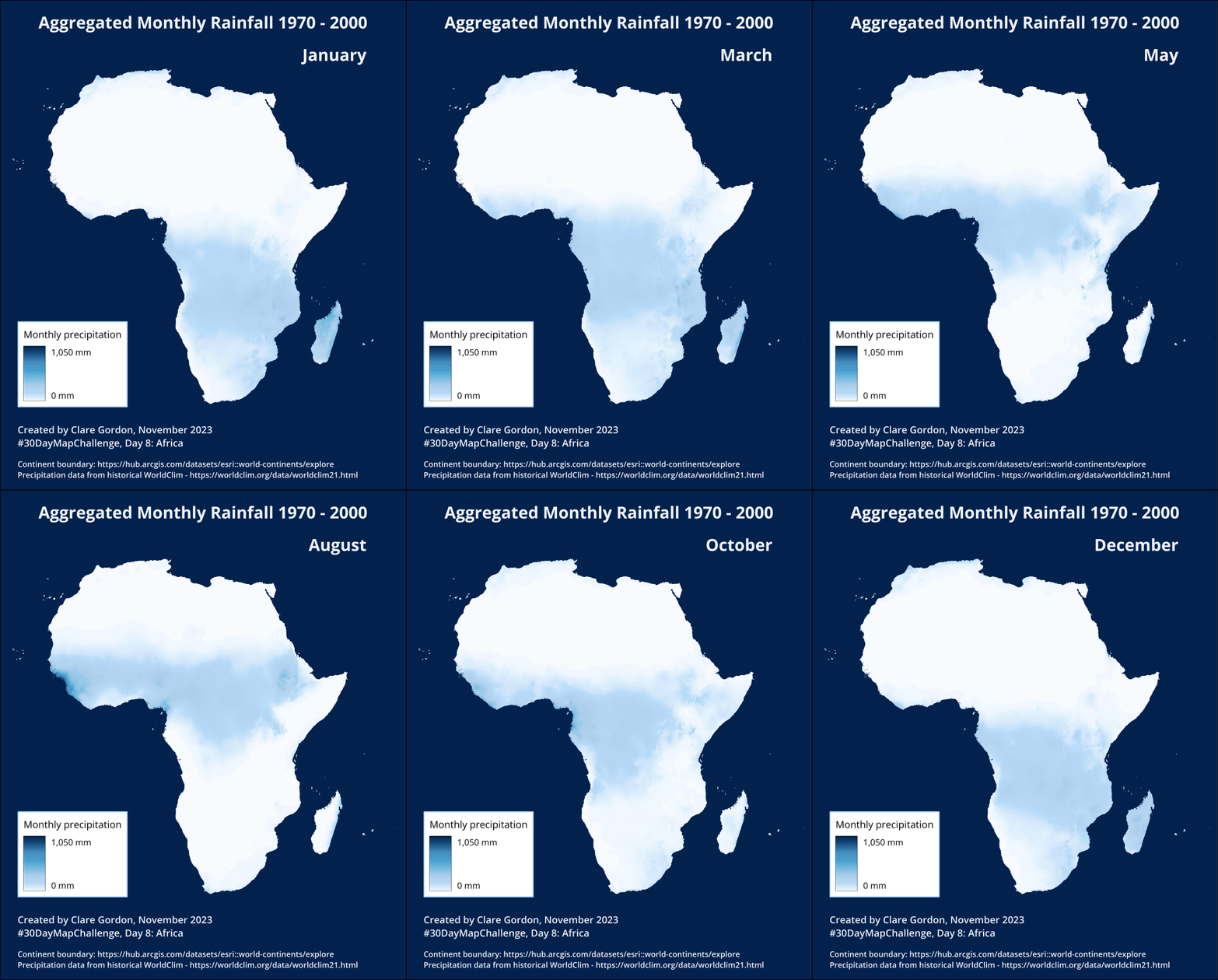
Monthly precipitation in Africa
Exploring Worldclim data further.
Data
Downloaded historic precipitation data from https://worldclim.org/data/worldclim21.html
Units are mm. A raster layer for each month. Aggregated data for 1970 to 2000.
Data described in:
Fick, S.E. and R.J. Hijmans, 2017. WorldClim 2: new 1km spatial resolution climate surfaces for global land areas. International Journal of Climatology 37 (12): 4302-4315.
Information about Bioclimatic variables
Tools
- QGIS.
- GIMP image editing software.
Process
To prepare data:
- Added continent data and selected just Africa. Exported to new GeoPackage layer.
- Reprojected precipitation data for each month to ESRI:102022 - Africa Albers Equal Area Conic.
- Clipped each months raster data to mask using the Africa layer as the mask.
- Styled the first layer with Singleband Pseudocolour using Blues ramp. Used highest value from combined layers -
1,500 mm. - Copied and pasted style to all layers.
Set up a layout, then exported an image for each month.
Creating animation
Used GIMP to create an animated GIF.
- Reduced size of monthly images to keep animation size smaller. Make a note of the size in pixels.
- Create a new canvas -
File > Newthen enter correct size and orientation. Set resolution underAdvanced. - Add images as “frames” starting with the first image at the “bottom” of the layers.
- Can just drag and drop images in and each one is added as the next layer up.
- Remove blank background layer - unless you want a plain white frame in your animated gif!
- Save!
- To keep size down you can use an indexed colour mode instead of RGB.
Image > Mode > Indexed. Stick to defaults for now! File > Export As- give file name.gifextension.- In dialog select
As animationand choose options.Frame disposalshould be set toOne frame per layer (replace)- Tick both
Use delay entered above for all framesandUse disposal entered above for all frames. - Change
Delayas required to change speed of animation, e.g.1000 millisecondsfor a fairly stately pace!