Firefly cartography
April 2022
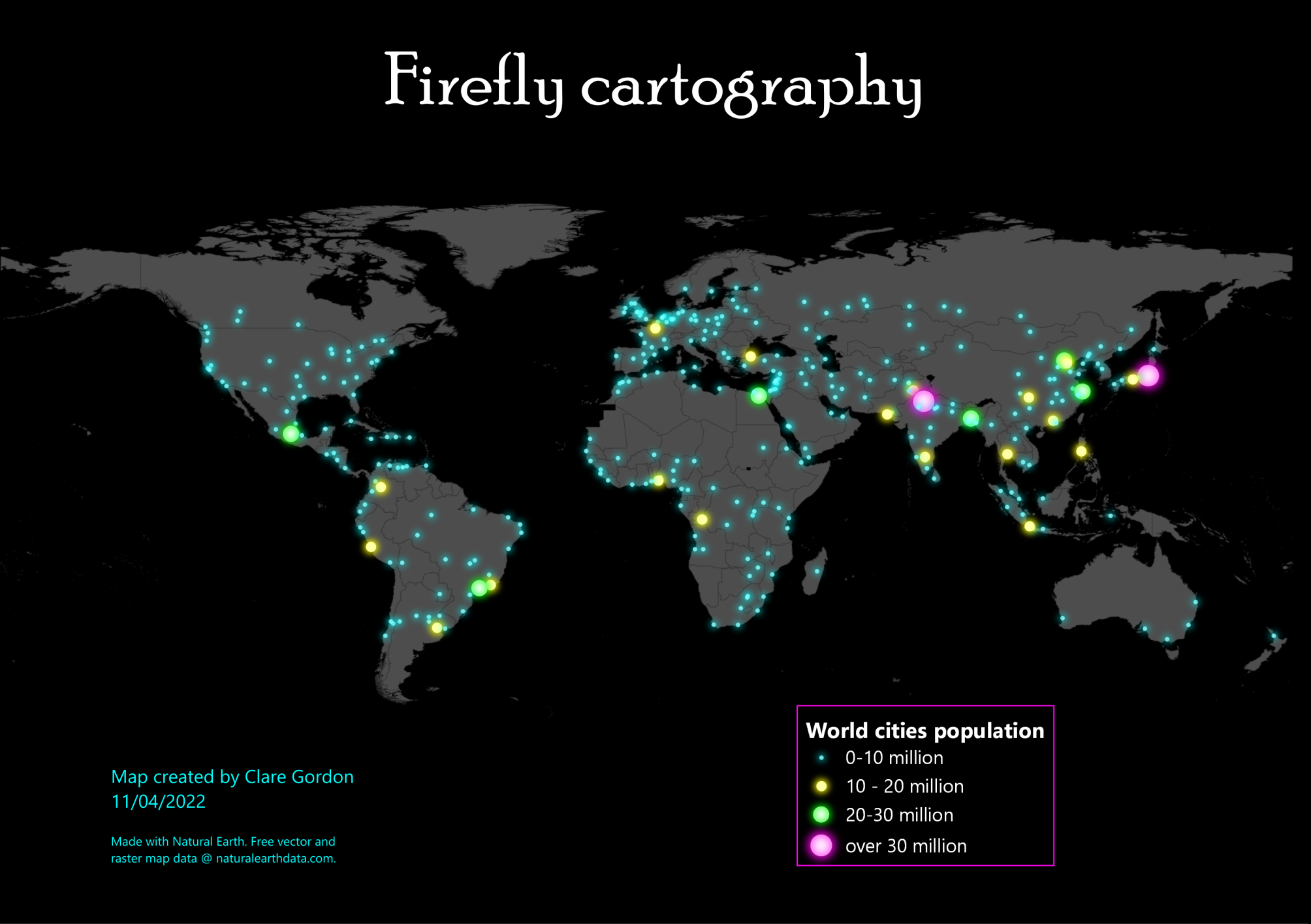
Points glowing against a dark background.
Data
- Cities data from Natural Earth Data. (Which dataset?)
Tools used
- QGIS
What did I learn?
- The effectiveness of draw effects in QGIS.
- Firefly cartography! How to create firefly cartography with QGIS
Process
Data
- Natural Earth data
- 1:10m Populated places
- 1:10m Countries
Preparing data
- Set project background to black -
Project > Properties > General > Background color. - Countries = dark grey fill with black outlines.
- Populated places -
Select by expressionwherePOP_MAX > 700000
Firefly effect for points
- Set points to
Graduatedstyling with 4 classes. - Set values as required.
- Double-click on first symbol and click on
Simple Marker. Set size, Fill colour = White; Stroke = no pen. - At bottom, tick
Draw Effectsand click on Star button. - Click on
Sourceand set Opacity, e.g. to70 - Tick
Outer glowSpread= 1Blur radius= 1- Set colour for the glow, e.g. bright turquoise!
- Experiment with settings, e.g spread and blur of outer glow
- would a bit of Inner glow help too?
Repeat for each class, choosing graduated sizes, and different bright colours.